Connection On the implant · JD and other brands
Design your PEP
Your form, your connection.
We build the file.
Not clinically validated · not a certified medical device
Start from one of the 45 tooth forms and shape it live in 3D — connection, height, rim, implant position, contour and sculpt. Send it: every file is built automatically, the connection is never changed, and each one is checked before you download it.
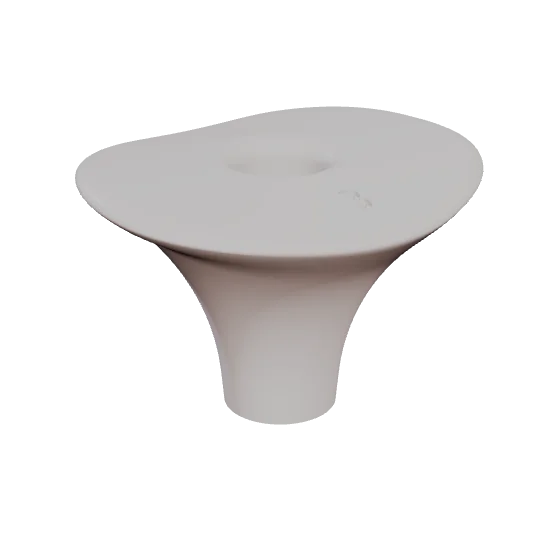
- Forms
- 45
- Implant brands
- 1 JD Ti-base · JD multi-unit
- Implant position
- 0–3 mm · 0.5 mm steps · M D B L
- Rim
- 4–13 mm · length and width
- 1Choose a form45 tooth forms, each with the rim of the tooth that was there.
- 2Design itConnection, height, rim, implant position, contour and sculpt — live in 3D, every choice checked against the design rules.
- 3We build and checkAutomatically, usually 1–3 minutes a file: closed mesh, connection unchanged, wall thickness measured.
- 4DownloadA print-ready STL in your account, as soon as each file is ready.